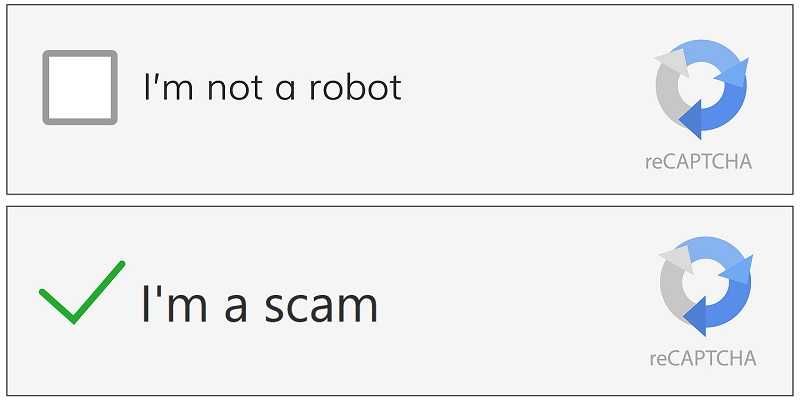
It's one of the most familiar security checks on the internet. Click a box, prove you're not a robot, and continue to the website. Unfortunately, hackers are now using that familiarity against you, hoping you'll check that box.
Security experts are warning about a growing scam known as ClickFix. We've posted about it before. But, refreshers are always good. This starts with what appears to be a legitimate CAPTCHA on a compromised or malicious website. But instead of asking you to identify traffic lights or bicycles, the page claims there's a problem with the verification process and instructs you to "fix" it.
That's where the trap begins.
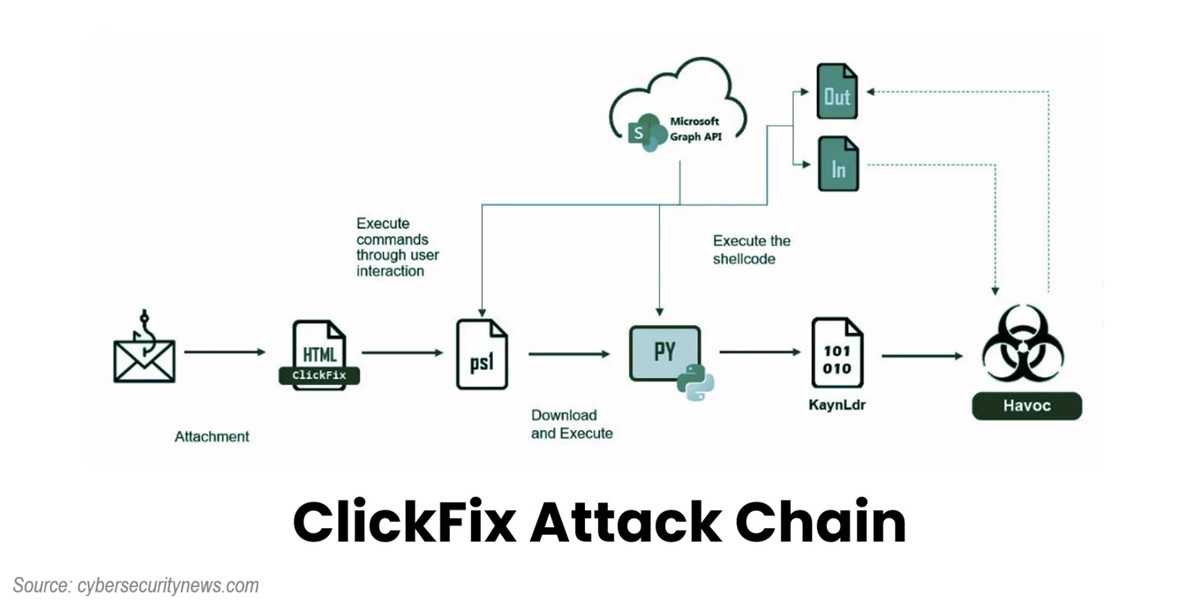
The fake CAPTCHA tells victims to press a series of keyboard shortcuts, such as opening the Windows Run box, pasting a command, and pressing Enter. What users don't realize is that the website has secretly copied malicious code to their clipboard. By following the instructions, they install malware themselves.
Once running, the malware can steal passwords, browser cookies, financial information, cryptocurrency wallets, and other sensitive data. Because users perform the installation themselves, traditional security tools may not stop the attack before damage is done.
Fortunately, avoiding this scam is straightforward.
A legitimate CAPTCHA will never ask you to open the Run dialog, launch PowerShell, paste commands, open Spotlight on a Mac, or download software to prove you're human. If any website asks you to do these things, close the page immediately.
Keep your browser and security software up to date, avoid visiting unfamiliar websites, and think twice before following unexpected instructions on a webpage. If a verification process seems unusual, trust your instincts and leave the site.
Sometimes the safest click is the one you never make.
For banks and credit unions
Share this article with your members
Copy a ready-made summary and link for your newsletter, website or social posts.