
The internet is full of shortcuts. Click an ad, search for a deal, or visit a familiar website, and you're usually where you want to be in seconds. But according to a recent FBI Internet Crime Complaint Center (IC3) Public Service Announcement, cybercriminals are increasingly hijacking those clicks and quietly sending victims somewhere else entirely.
The technique relies on something called a Traffic Distribution System, or TDS.
2
A TDS is designed to redirect internet traffic. Legitimate companies use similar technology for advertising and marketing (those ads in your social feeds, for example), but cybercriminals have turned it into a powerful weapon.
Attackers compromise legitimate websites, poison search engine results, or create convincing online advertisements. When someone clicks a link, the TDS quietly evaluates information like the visitor's location, browser, operating system, and device type. Instead of taking everyone to the same destination, it selectively redirects certain visitors to fake login pages, phishing websites, fraudulent online stores, or malware downloads. By being selective, they can avoid detection.
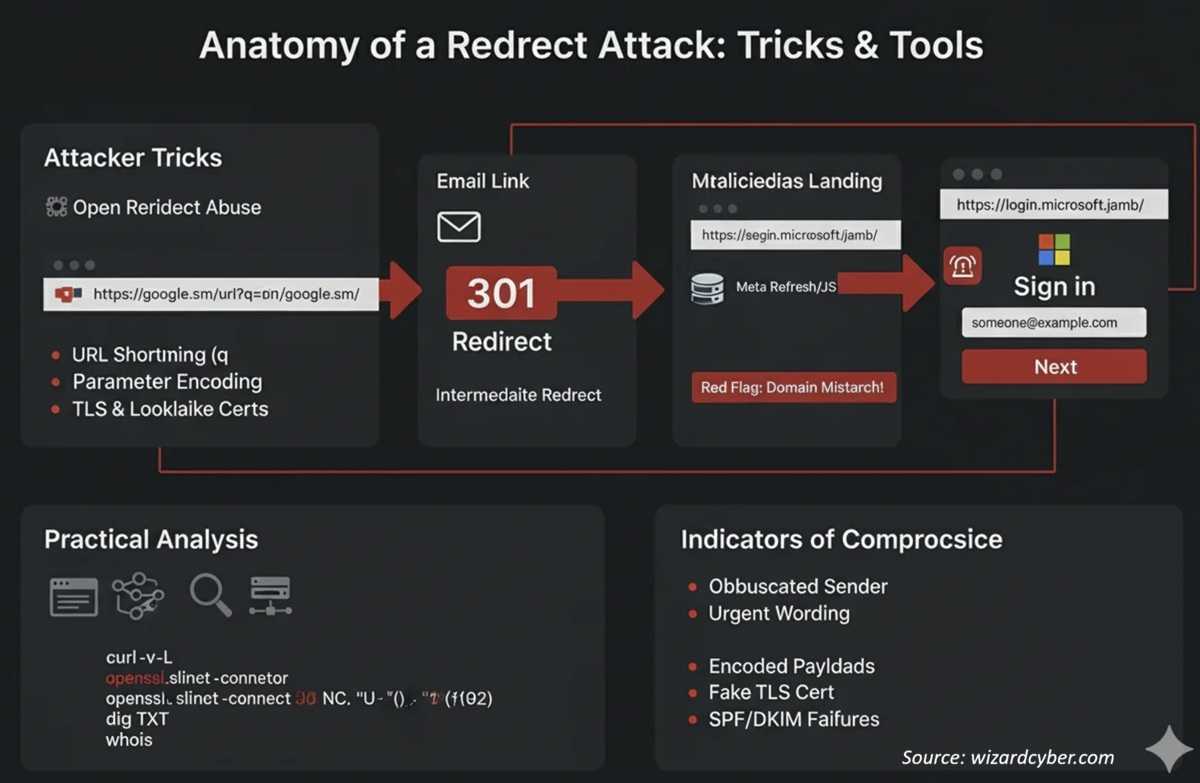
2
Fortunately, a few simple habits can dramatically reduce your risk.
- Before clicking an advertisement, verify the web address carefully. Hovering over it with the pointer or holding your finger on it for a few seconds usually shows it. But better than that, type the address in manually or use a previous bookmark.
- Avoid downloading software or browser updates from pop-up messages or unfamiliar websites. Use the official app store for your device, install it from within the software, or go directly to the developer’s website.
- Keep your browser, operating system, and applications updated with the latest security patches. As soon as you see the red dot or get an update notice, apply it.
- Be cautious of search results that seem unusual or promise deals that are too good to be true. We know that means they probably are.
- Use strong, unique passwords and enable multi-factor authentication whenever available. At least 8 characters that include letters, numbers, and special characters.
- If a website suddenly redirects you somewhere unexpected, close the page immediately rather than interacting with it. If you can’t do that, try a “force quit” or shut the system down.
Cybercriminals are constantly looking for new ways to steer internet users toward fraud. Paying attention to where your clicks lead and slowing down before entering personal information can help keep your accounts, your money, and your identity out of the hands of criminals.
For banks and credit unions
Share this article with your members
Copy a ready-made summary and link for your newsletter, website or social posts.