Let's face it. When you see that little dot on your phone that announces that a software update is available, "I'll do it later" is an awfully tempting response. However, later becomes tomorrow. Tomorrow becomes next week, and suddenly your phone is running software that is several versions behind. That, however, can be a security problem.
Apple's most recent iOS update, iOS 26.6.1, was released August 17 and specifically provides security fixes for iPhones and iPads. Apple also released iOS 18.7.10 for some older iPhone models.
Apple doesn't always explain every security issue in everyday language, and that's okay. You don't need to understand the technical details to understand the important part: The update fixes problems that could potentially be used against your device.
Updates Aren't Just About New Features

We tend to think of updates as the things that bring us new emojis, prettier screens, or another feature we didn't ask for. But security updates are often working quietly in the background. They do important tasks, such as fix weaknesses in the operating system, browsers, apps, and other software that criminals may try to exploit. Apple isn't alone. Microsoft, Google, Samsung, and virtually every other technology company regularly release security updates for the same reason.
2
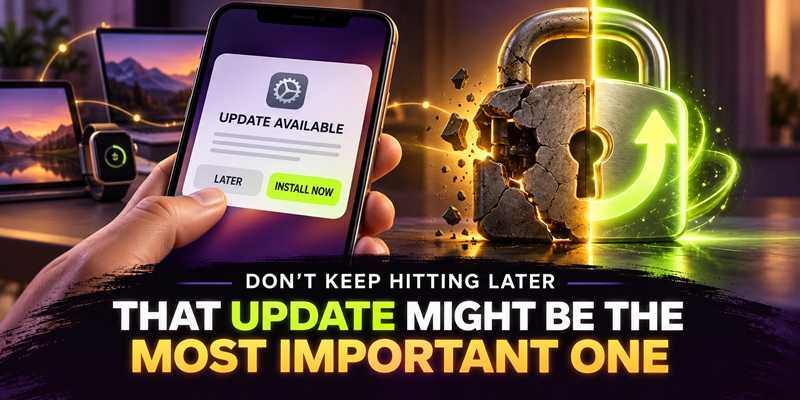
There is never a good time for something to go wrong on your device. But, one of the worst times to discover that it needs a security update is after someone has already taken advantage of the weakness.Think of an update as fixing a broken lock. You don't wait until someone walks through the door to decide the lock should probably be repaired.
The same principle applies to your phone, tablet, computer, smartwatch, and other connected devices.
2
When your device tells you an update is available, don't automatically hit “Later." Take the time to backup your current device and just install it. If possible and reasonable, turn on automatic updates so your devices can take care of many of these fixes without requiring you to remember.
That little notification may not be exciting, but sometimes the most boring button on your phone is the one doing the most to keep you safe.
For banks and credit unions
Share this article with your members
Copy a ready-made summary and link for your newsletter, website or social posts.