 One billion dollars. Ten percent. Six percent. What do these figures mean? That is the cost of ransomware attacks in 2016, the increased percentage of ransomware attacks from Locky and Cryptowall from October to November, per CheckPoint, and the percentage of all attacks in 2016 that were attributed to Locky alone. This is also according to CheckPoint.
With a quite harmless-sounding name, Locky is rather nasty. It renames files and then holds them for ransom at a cost ranging from .5 bitcoin to 1 bitcoin. That’s from $200-$400 depending on the exchange rate at the time. And if you think you can just go in and retrieve an automatically saved Windows file version of your documents rather than pay up, you are wrong. Locky also deletes those. To add insult to injury, this little gem also scrambles up files on any peripheral devices that may be attached to your computer, including servers that may be connected on a network.
 How does one prevent ransomware from ruining an otherwise wonderful day at the office?
1. Perform regular backups and keep copies of them in a location separate from the location you are backing up. While you’re at it, make sure the data is encrypted. Sensitive data can get into the wrong hands in a variety of ways including stolen or lost laptops, or misplaced or forgotten USB drives, to name a couple. Having those backups not only saves you the headache of a ransomware attack, but can relieve a lot of stress for those other incidents too.
2. Disable macros by default in Microsoft Office. Most people don’t need them enabled and this is increasingly becoming the preferred method of getting malware onto networks.
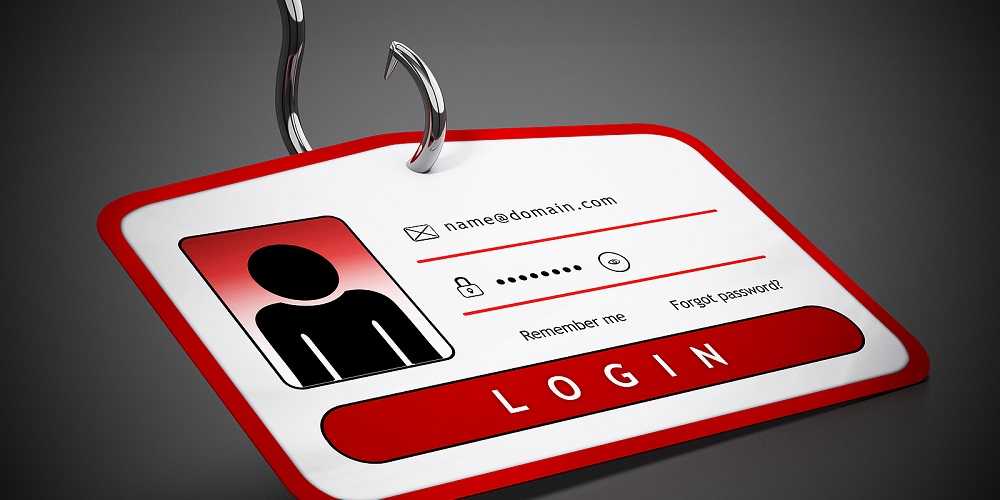
3. Train people to identify phishing attempts. Everyone in the office that is connected to the network should know that any unsolicited or unexpected links or attachments could be harmful.
4. If a user does not need administrator rights to their computers, don’t allow it. Most of the time, that level of access is not necessary but it can lead to a lot of problems.
5. Always keep systems updated with the latest security and critical patches. Also, make sure the operating systems used are supported. Once a company no longer offers support for a product, they no longer release security updates. This could allow attackers to take advantage of newly discovered vulnerabilities knowing they will not be fixed.
6. Anti-virus and anti-malware software should be installed kept up-to-date on all devices, whether they are mobile devices or a contractor’s laptop. Third parties are often responsible for breaches because they are not always required to go through training on most common threats. Ensure that they are and hold them accountable.
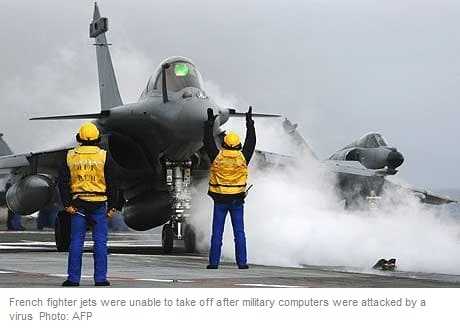 While Locky is given the award for most commonly seen ransomware (15% of the time) in November, the most common strain of malware for the month was good old Confiker. This is a nearly decade old worm that caused grounding of French fighter planes and cost the global economy over $9 billion to clean up, according to some estimates. It did all of this by taking advantage of a weakness in Microsoft Windows that was left unpatched by users.
Other notable figures for November of 2016 was the doubling of the number of the banking Trojan Ramnit which steals login credentials, the HummingBad Android malware that was responsible for the most mobile device attacks, and Triada. This one opens a backdoor in Android devices granting itself superuser privileges to download malware.
However, by following the advice above, you can avoid being or being responsible for your organization becoming a victim of malware. After all, it isn’t likely to slow down in 2017. So make it a resolution to be more aware of it.
For banks and credit unions
Share this article with your members
Copy a ready-made summary and link for your newsletter, website or social posts.