You know when you try to buy concert tickets or sign up for a service online and have to verify that you’re not a robot by clicking a box or typing in a set of characters? Now researchers have discovered that the infamous Locky malware is using this technique to trick users into downloading malware onto their computers and giving up personal information to hackers.
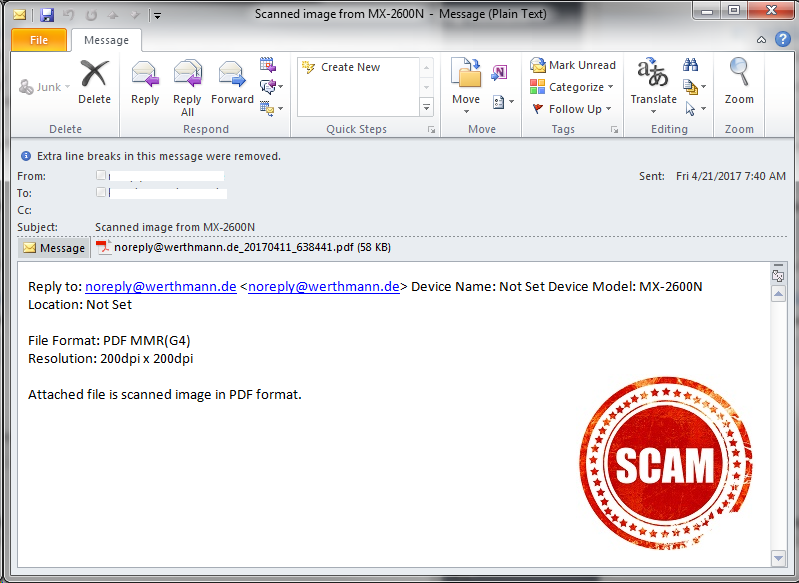
The method being used by this new Locky strain was discovered by researchers at the security product provider, Avira. It arrives in email disguised as a Microsoft Word or Libre Office document. The user is enticed to click an “envelope” to prove that he or she is not a robot. However, if it’s clicked, all the files on the machines are encrypted and then are sent to the bad actors. A decryption key is required to get them back. That’s unless you have a recent backup of the files that can be quickly restored.
 Always perform regular backups of all important information and systems. This should be a regular part of any organization’s security routine. Any backups should be kept separately from the network so that should malware penetrate the network, it cannot reach the backups as well.
In addition, all systems on the network should have antivirus software installed and kept up to date at all times. If it can be set up to automatically update on all the computers, it is ideal. However, it can also be effective as part of an overall update schedule. Just don’t let it lapse. And if an out-of-cycle update is released by the vendor, apply it immediately. This same advice holds true for patches and updated releases of all software.
Don’t forget to include any mobile devices allowed on the network. Many companies allow users to bring their own devices and connect. If this is your organization, make sure you have a solid security-focused bring your own device (BYOD) policy in effect that includes requiring all mobile devices to have antivirus software installed and kept up-to-date. And include a requirement that all of those devices have all patches and updates applied at all times before connecting to your network.
For banks and credit unions
Share this article with your members
Copy a ready-made summary and link for your newsletter, website or social posts.