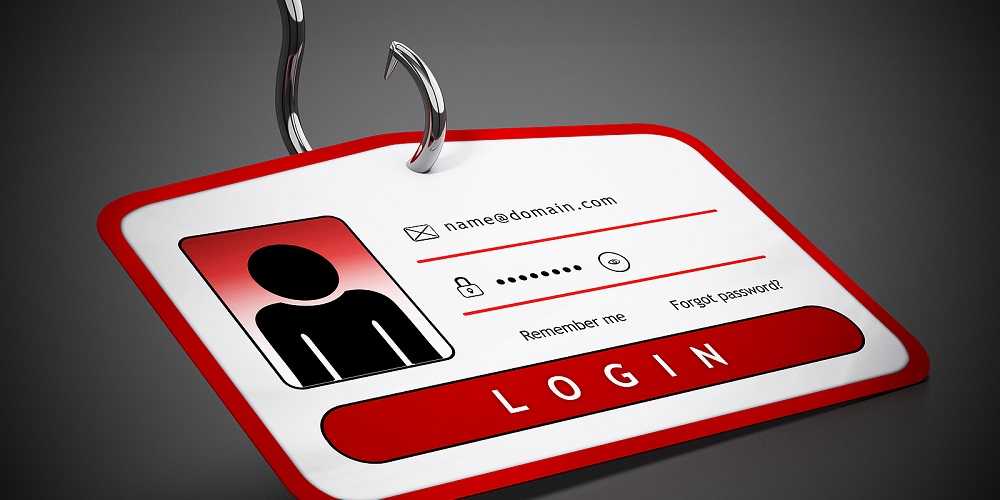
You can assume that your information has been stolen at some point. This is particularly true after the Equifax breach that affected 143 million U.S. residents earlier this year. That’s why it’s becoming incredibly important to watch out for yourself when it comes to protecting your credit and identity. This means making sure you know how to spot phishing attempts of all types.
 Scammers are getting quite crafty in the way they try to spear us these days. One way that is becoming quite popular among the cybercriminal world is using invoices. They send them to our email with specific information from an online invoice-creating product. Because we are getting better at not clicking links or attachments, these sneaky folks put in a giant button that purports to be a link to “My Documents” in hopes it’s less intimidating.
Just don’t fall for these tricks. If you are not expecting an attachment or link in a message, you should consider it guilty of phishing until you can prove otherwise. Contact the sender by phone and ask if it is genuine. More often than not, we should be expecting documents in our email messages, so an unsolicited one should most certainly be suspect.
The guideline of watching for typos and incorrect grammar still applies when spotting phishing. This is particularly true if the document is from a professional organization or is business-related. If a vendor sends you an invoice, it should not have misspelled words or poor punctuation.
Always make sure security software is installed on your computers and mobile devices. It should be kept updated at all times.
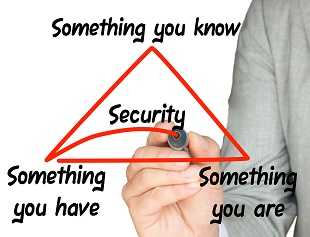 When two factor authentication (2FA) or multi-factor authentication (MFA) are offered for any account to which you log in, take advantage. This can prevent your accounts from being accessed using a stolen set of credentials. Most financial organizations offer this for their online access these days and it should be used.
Use strong passwords that are unique to each website too. They should be comprised of upper and lower case letters, numbers, and special characters. Reusing passwords is never recommended because the bad actors will often use stolen passwords across multiple sites hoping to get a hit. They often are successful doing this.
If you are asked for sensitive data at any point when on the Internet, take a moment to consider if it’s an authentic request or could be phishing. Instead of entering it into a form that may pop up, go directly to the company’s website and log into your account that way.
For banks and credit unions
Share this article with your members
Copy a ready-made summary and link for your newsletter, website or social posts.