

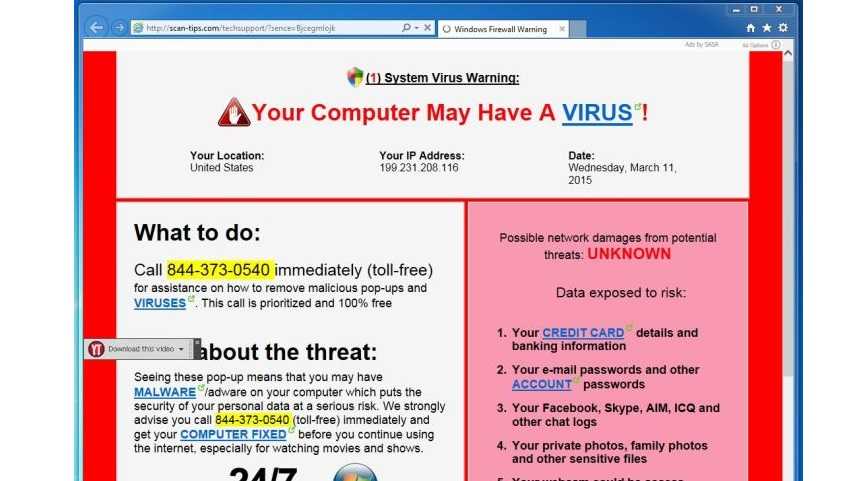
Let’s talk popups for a moment. These annoying little boxes that appear on our screens when we are simply just trying to perform a task can be quite taxing on our nerves. We just want them to go away so we can get back to our shopping, watching cat videos, or even working. So, we just click something to get them to disappear. The scammers hope we’re in a hurry, busy, or just annoyed and click a button. What we get is the popup to go away. What they get is our information.
Popups are not necessarily phishing, although they often are used to get our sensitive or confidential information the same way a phishing email or text message would. However, they still have a significant impact so are still very widely used by scammers. There are some ways the thieves will use these little boxes that just seem to appear out of nowhere:
- They pretend malware was detected on your device. You panic, click the “scan’ or “OK” button and off you go to a site where they conveniently offer to scan your system for the rogue malware for a small fee.
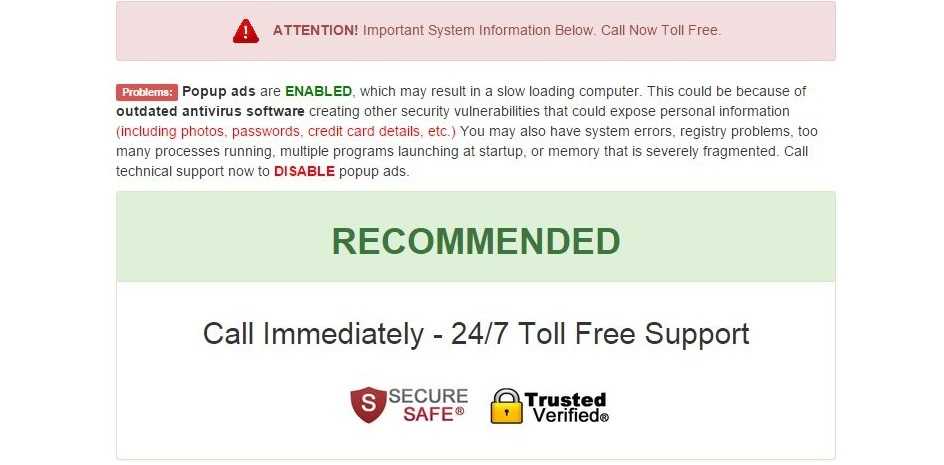
- Miraculously, a dialogue box lets you know that there is a problem with your computer and you need technical support. If you just call a number provided, a support person will access your computer remotely and take care of the problem. Sometimes they steal information off your device, sometimes they convince you to give them a payment card number for their help, and sometimes they load malware on your system.
- You must update a product. Adobe Flash Player is often used for this ruse and the notification is often that it’s out of date or there is a security update available and you need to apply it right away. This is used so often because there are security issues and updates with Adobe Flash quite regularly. The going timeframe is about once a month. Other products are used for this trick as well so don’t rule out anything.
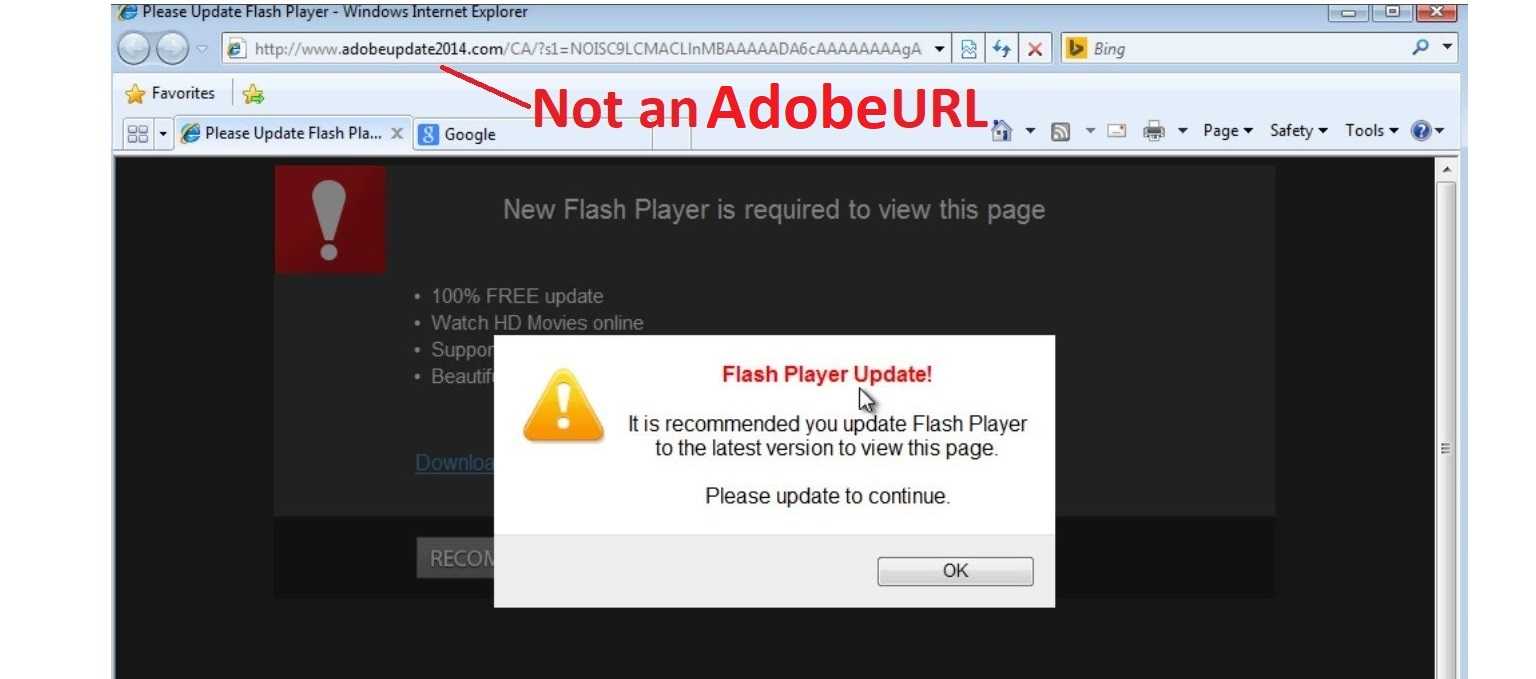
Always remember to take some time to read the dialogue boxes when they appear. There is no reason to panic. Keep antivirus software on your devices and if you get a notice that malware was found, use that to scan your system. Click them away by closing them. Often that can be done by clicking an “X” or dot in one of the corners of the box. If that is not available, close out your browser window and reopen it. Close the browser completely, if the box doesn’t disappear. If that doesn’t work, shut down your system completely and turn it back on. If a legitimate update is needed, it’ll show up when you restart it. If it’s an Adobe or other software update, go to that company’s website and find your updates that way.
If you are told that you have a computer problem and are offered support when you didn’t request it, it’s very likely some type of scam. Use rational thinking, common sense, and patience so you don’t get scammed by a popup.
For banks and credit unions
Share this article with your members
Copy a ready-made summary and link for your newsletter, website or social posts.




