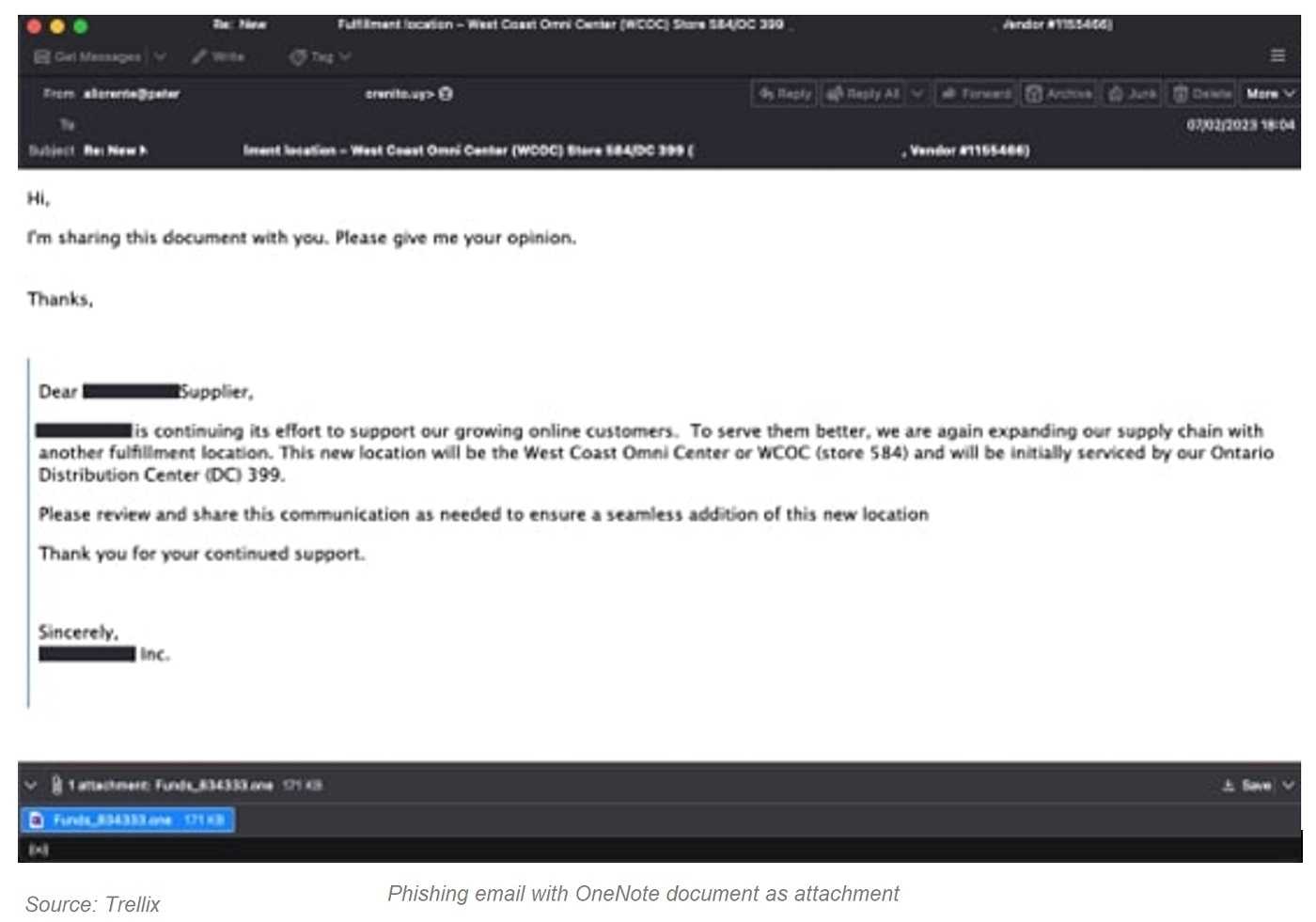
Microsoft’s OneNote is making news, but not in the way the software giant would hope. OneNote, the note-taking app that’s part of Microsoft Office, is being weaponized by QBot threat actors. Fans of OneNote, whether for business or personal use, should know QBot’s email phishing campaign leads to stolen passwords, hijacked financial and browser data, and just about anything else there is to steal.
Originally a banking trojan, the cybercriminals behind QBot have shifted their focus. This latest campaign starts by attaching malicious OneNote files to phishing emails. With QBot today, tricking one user to open the attachment and start a malware infection is good, but attacking many devices is better. And so, they do.
The attachment not only infects the device of the one who opened it, but added trickery can infect every device in an email conversation thread. Clicking the bogus “reply to all” button spreads infected OneNote files to devices throughout the thread, with a notice directing users to open the file. And so, they do.
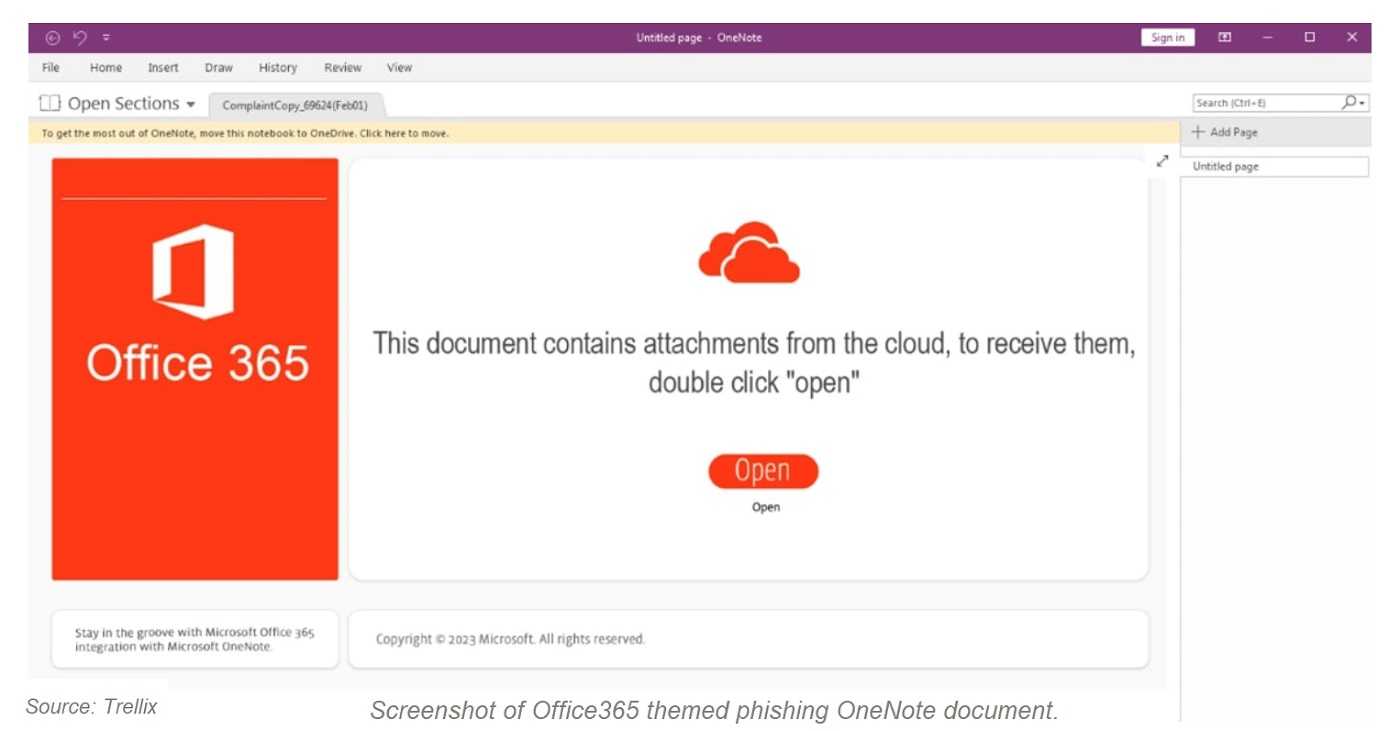
Microsoft disabled macros by default for Office documents over user security concerns. Criminals can abuse macros to deliver malware attachments using phishing emails. Knowing this, QBot began its OneNote email phishing campaign to circumvent Microsoft’s action. By creating a malicious OneNote document, attackers can embed almost any type of file. And so, they do.
2
By now we know almost every file attachment can be poisoned with malware. Avoiding the temptation to open them can keep you and your device a lot safer. As we see with QBot’s latest campaign, staying away from email phishing is key. Remember to use extra care around emails from unknown senders, and especially avoid opening or downloading any attachments when they aren’t expected.
When it comes to macros and Microsoft Office, make sure yours are disabled. The only time to use them is when you’ve created them yourself or trust someone who did. Even then, make them active only if you absolutely need to.
Keeping a device safe takes some work these days, but it’s well-worth doing when you know what the alternative is. And so, you do!
For banks and credit unions
Share this article with your members
Copy a ready-made summary and link for your newsletter, website or social posts.