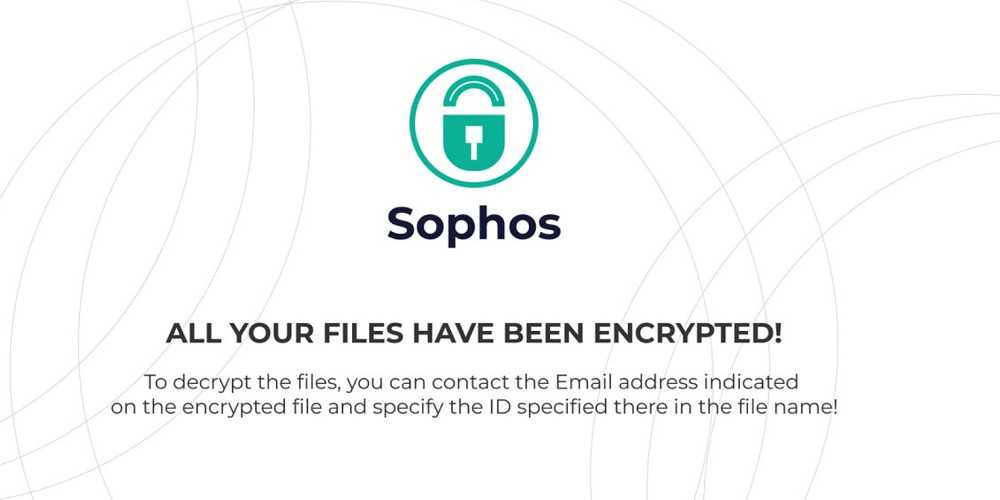
One very well-known cybersecurity company's name is being used by cybercriminals to lock up devices and hold them for ransom. Sophos is a leading cybersecurity firm and is being used as a way for hackers to get their ransomware through. They have been doing this by using the firm's name as a way to get people to pay up when they need a good payday.
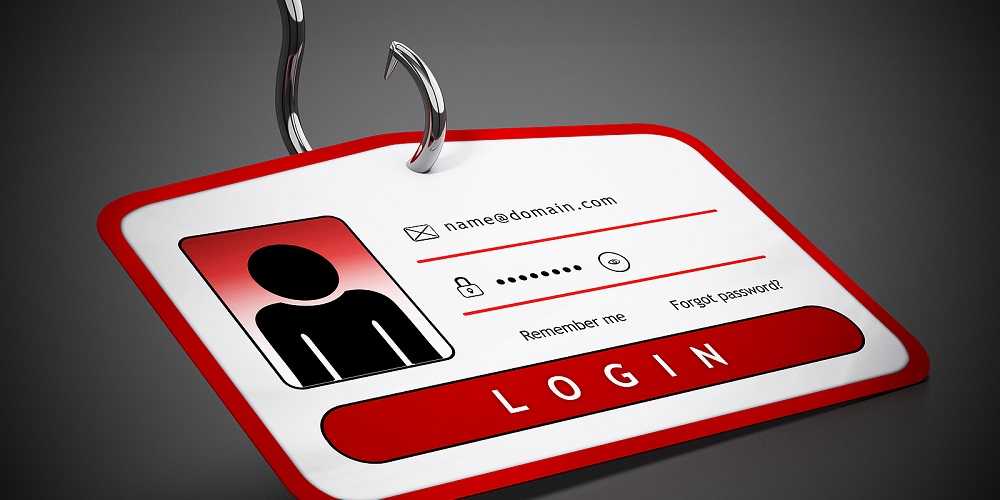
The implementation of this ransomware is still being investigated to better understand how the hackers are managing to get their victims to execute their programs. In general, most similar situations stem from phishing emails, software-related issues, or popup ads. If these are clicked and interacted with, this can be enough to set up the ransomware.
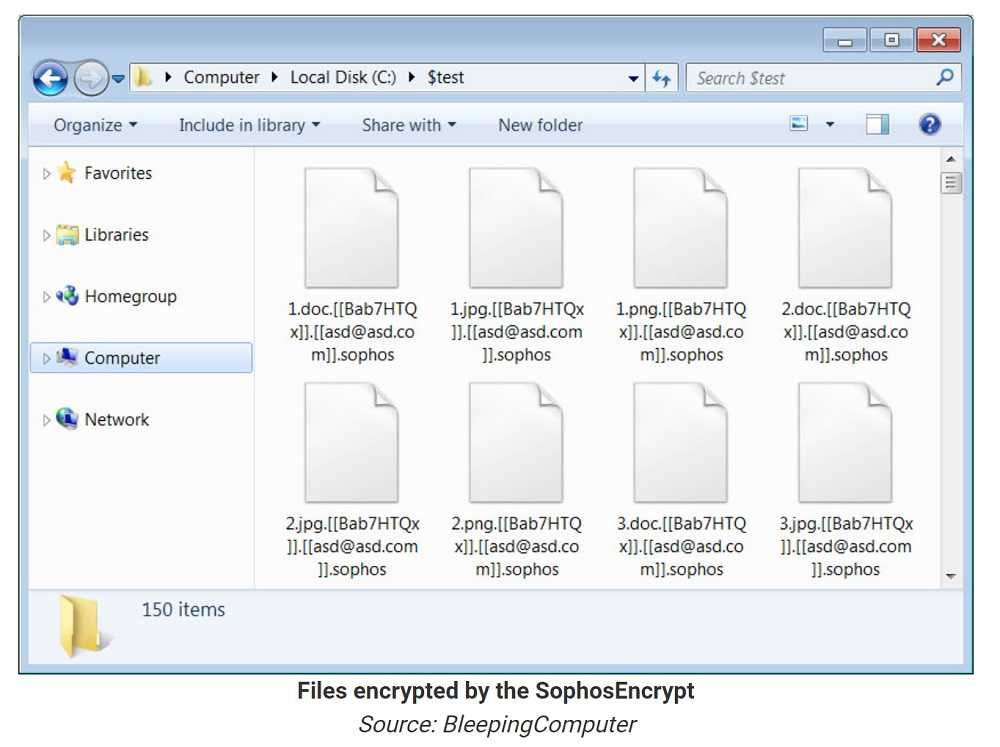
What is currently known is that the attackers are using what is known as Ransomware-as-a-Service (RaaS) and they are going by the name SophosEncrypt. As soon as the encryptor is set up, it can access the victim's files or get to the device as a whole. Research has shown hackers can get past any multi-factor verification by disabling the network connection on Windows OS computers and then encrypting files they will use later for ransom.
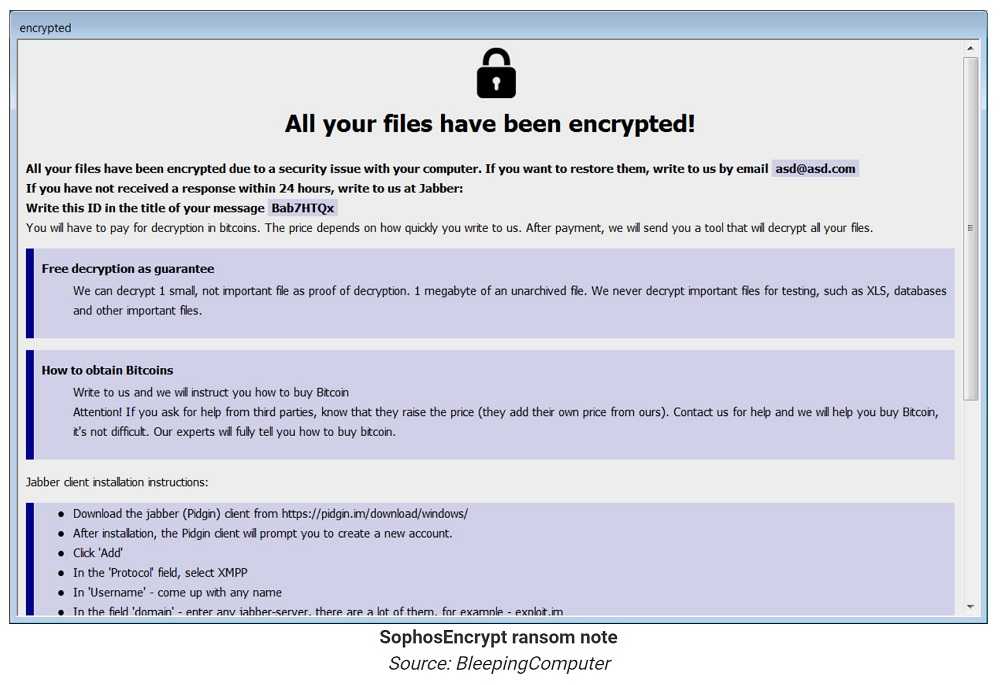
Once the encryption is in place, they ask for a ransom in the form of a window that pops up on the screen. In order to release the device and any data held, they require the victim to pay in cryptocurrency. The reason they do this is to make sure it's not easy to get back to them when the police are involved. You see, cryptocurrency is difficult to trace, which makes it very popular with cybercriminals.
For those who are worried about this, the best option is to make sure to not download unverified files, those you aren’t expecting, are from unknown senders. In addition, don’t click on pop-up ads. Close them immediately, especially if you cannot be sure they are safe. It's also essential to check your email and text messages carefully and not click on any links or attachments or download files when they're sent to you. This can often be enough for an attacker to get through and encrypt files on your device.
And if you don’t have cybersecurity software installed on your device, this is a great time to take a moment and do that. There are many options, including free ones. Just do some research to make sure they are also safe to install.
For banks and credit unions
Share this article with your members
Copy a ready-made summary and link for your newsletter, website or social posts.