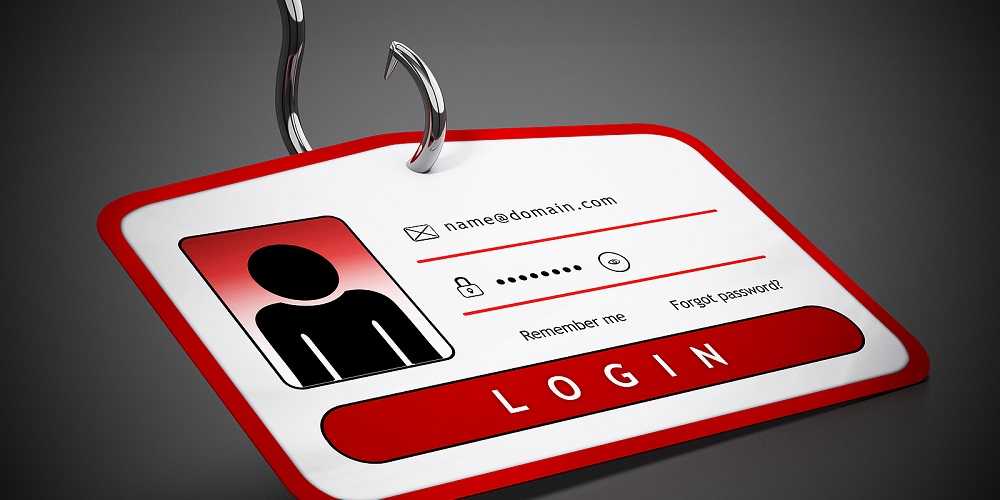
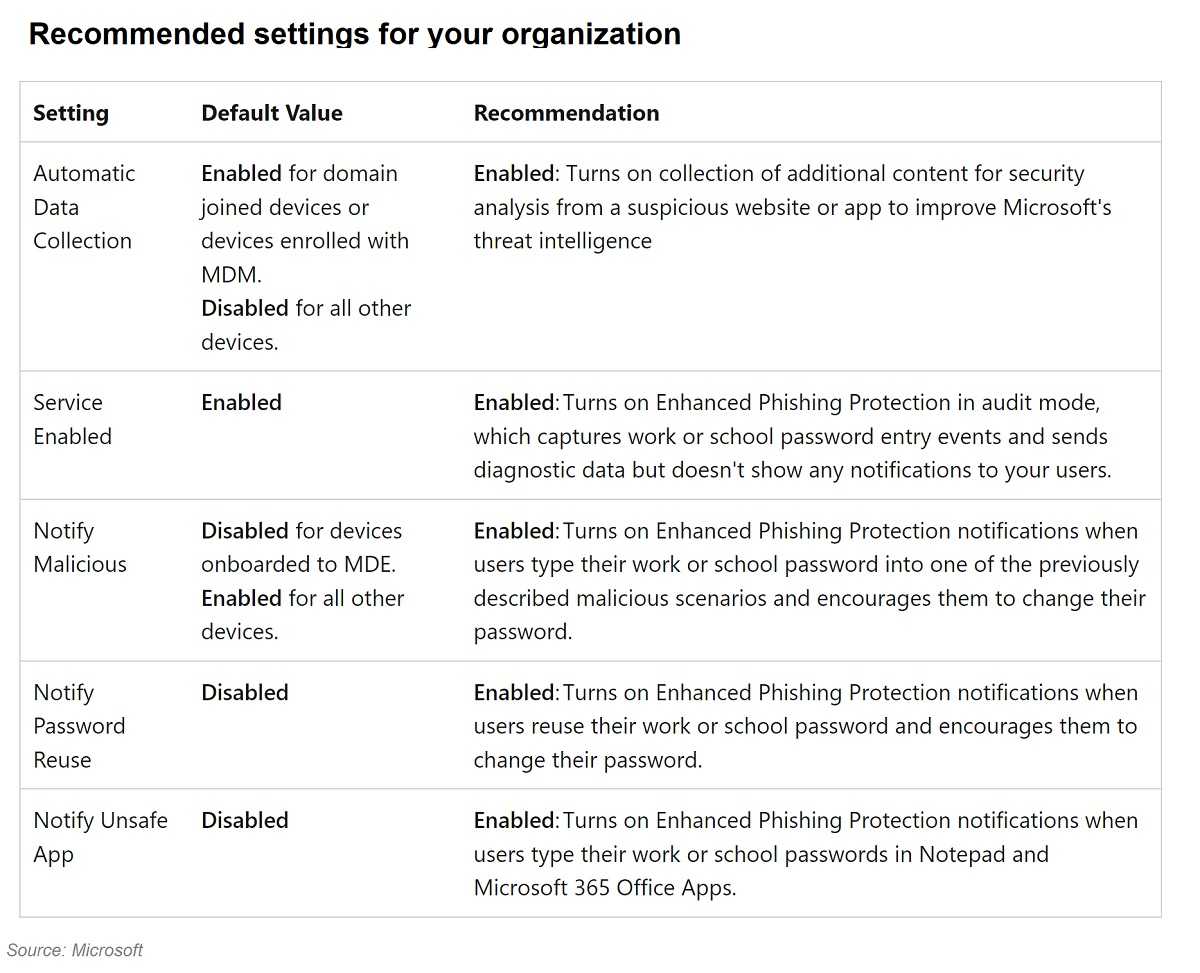
As part of an effort to thwart phishing, Microsoft upped another level of user protection with its latest Windows 11 feature. It’s called Enhanced Phishing Protection and is a welcome sign that Microsoft is willing to take on the phishing threats to passwords their users face every day at home and at work.
This latest feature adds a layer of password protection to Windows OS 11 22H2. With hackers hijacking credentials by phishing with malicious links and attachments, spoofing website pages, and the abundance of malicious apps, it’s a step in the right direction. It’s also because secure passwords benefit everyone but cybercriminals.
2
With this new feature, Microsoft adds protection for users choosing password managers to create and store their login credentials. For those who copy and paste passwords from a password manager or a list, a dialogue prompt warns against reusing passwords. It’s worth noting that Microsoft’s Enhanced Phishing Protection isn’t by default and needs to be user-enabled.
According to CISA (Cybersecurity and Infrastructure Security Agency), email phishing is by far the chosen delivery method for more than 90% of cyberattacks. Phishing for passwords enables cybercrimes like credential and identity theft, account takeovers, stolen bank and credit card accounts, hijacked Social Security numbers, and ruined credit and reputations.
2
You can help avoid phishing by looking for a few basic red flags. Look for clues like emails from unknown senders, and especially avoid any links or attachments they have. Carefully check the sender’s address – does it look legitimate and is the greeting generic? Does the message push a sense of urgency or other reason for you to act quickly and with your sensitive PII? Are there spelling and grammatical errors and is the phrasing odd? Are logos and other graphics blurred or just plain bad? All these red flags point to being phished and spotting just one of them is reason to delete the email.
Microsoft is helping users in the continuing effort against phishing and toward password security. It’s a refreshing change from those who push the responsibility for online security onto users alone. After all, both sides win when security is a shared effort.
For banks and credit unions
Share this article with your members
Copy a ready-made summary and link for your newsletter, website or social posts.