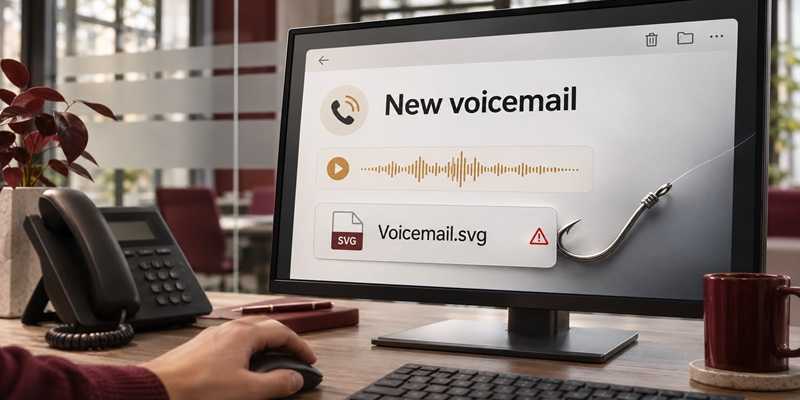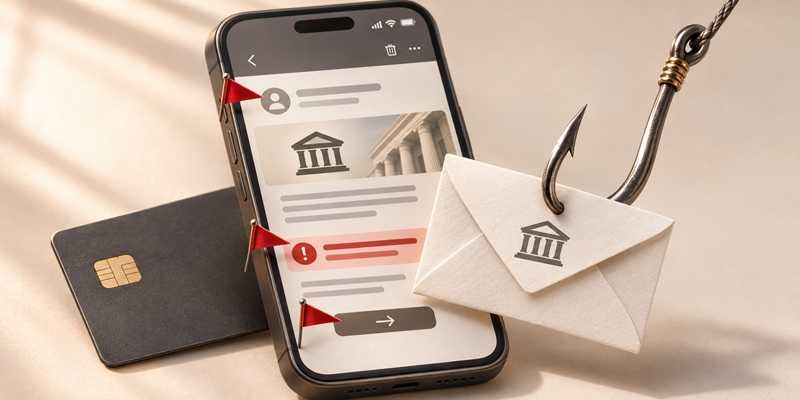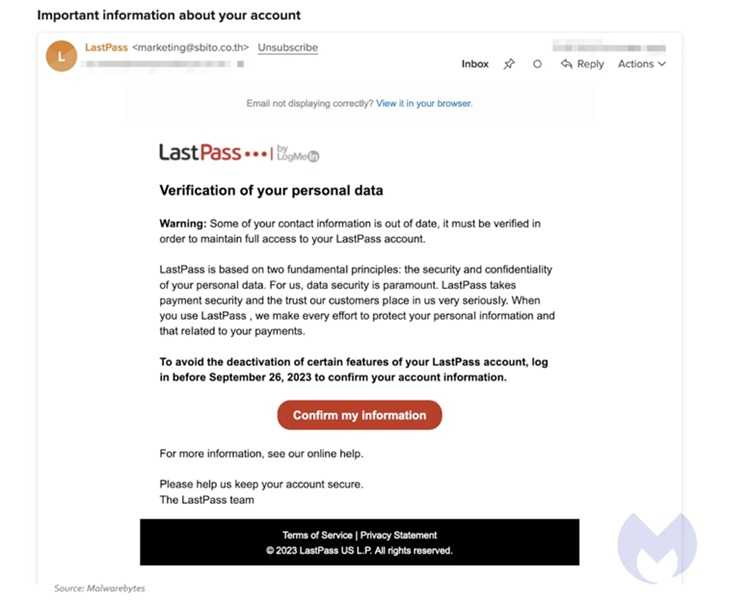
LastPass customers are facing a new phishing campaign that tricks users into handing over their most sensitive credentials. How does it do this, you may be asking? By spoofing urgent backup messages. Attackers are sending deceptive emails claiming LastPass will perform scheduled maintenance and that users must “backup your password vault within 24 hours.” These messages look eerily official but are fraudulent, and clicking the link doesn’t back up data. It’s no surprise that it leads to phishing sites designed to capture your master password. And that would give criminals the keys to your entire vault.
As far as researchers can tell, the scam began around January 19, 2026, and uses various subject lines like “Important: LastPass Maintenance & Your Vault Security,” while coming from suspicious sender addresses that try to mimic LastPass. One of the phony links goes to an AWS server then redirects. For those who want to know the list of malicious links and IP addresses used, LastPass posted information on a blog post dated January 20, 2026.
LastPass has warned that it will never ask users for their master passwords or require urgent backups via unsolicited emails. The company also urged customers to report any suspicious messages to its security team.
If a user enters their master password on a fake page, attackers could gain access to everything in the vault — usernames, passwords, 2FA codes, and payment information.
2
- Don’t click links in unsolicited emails that urge urgent action. Instead, log in directly through the official LastPass app or website to check account status.
- Verify the sender’s email address carefully and beware of messages that create artificial urgency.
- Enable multi-factor authentication on your LastPass account for added protection.
Remember that while password managers are convenient and certainly better than using the same password on multiple websites, when they have a security breach, all of your passwords and other information stored with them are also at risk. LastPass says it will never ask for passwords via email.
For banks and credit unions
Share this article with your members
Copy a ready-made summary and link for your newsletter, website or social posts.