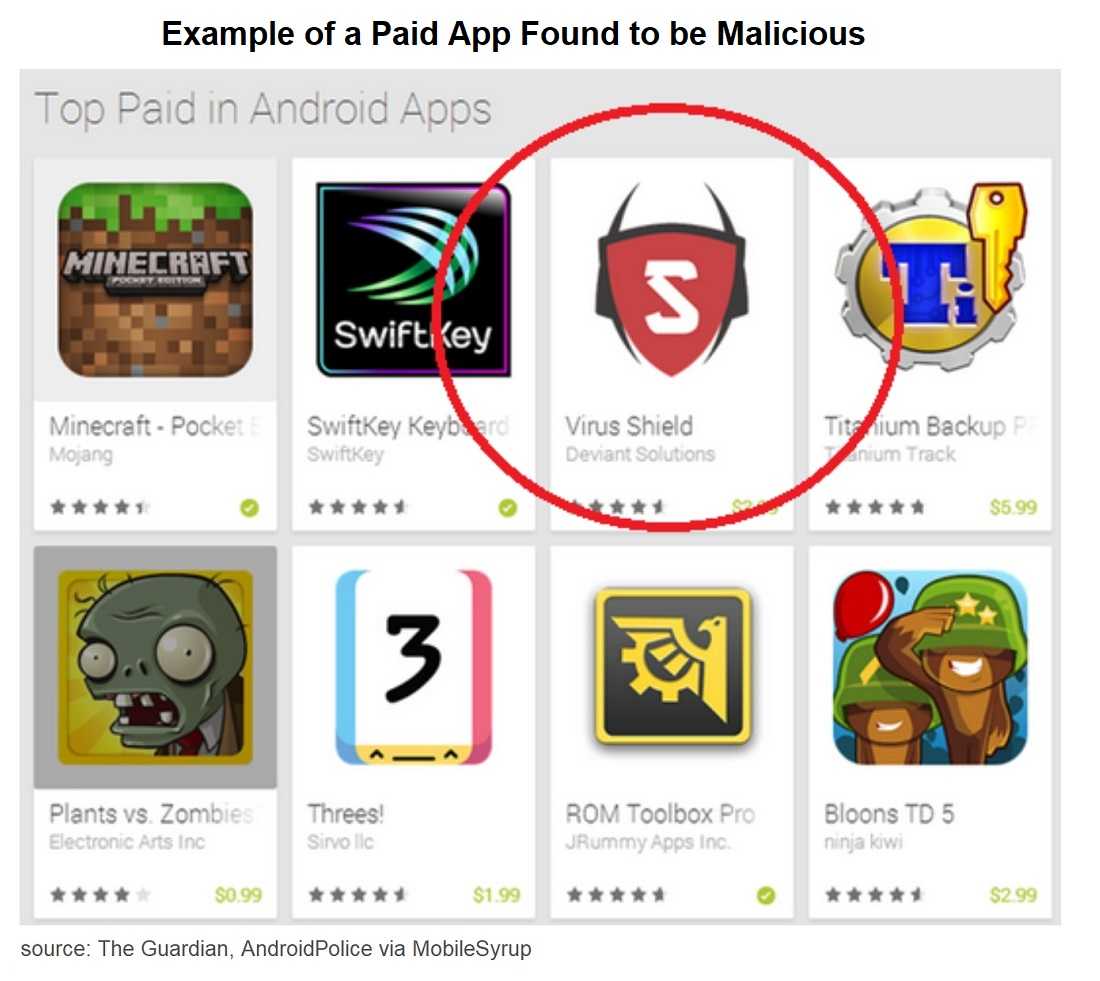
It’s been known for some time that Google Play Store has had its share of infected apps, but the problem recently took on epic proportions. Globally, 9 of 10 smartphones are running some type of Android version. That alone gives hackers incentive to get their malicious apps in Google Play and drain users of their banking credentials. Just ask the nearly 30,000 Android users who inadvertently downloaded newly discovered banking Trojan apps from Google Play. After all, who would suspect an innocent horoscope app could steal your banking information? Even still, doesn’t Google Play monitor for malicious apps?
Researchers found enough common code across the different discovered apps to make them believe that they are all from the same hacker or hacker group. The malware enables the attackers to send and receive text messages on infected Android devices, which allows them to get past the Financial Institution's multifactor authentication (MFA) that might otherwise have protected the user’s financial data. It also has the ability to download additional apps to compromised devices in any way the hacker seems fit.
The answer is “Yes,” Google Play is still the safest place to download Android apps. Google is very much on the lookout for apps pretending to be something they’re not. Once downloaded, they steal your Personally Identifiable Information (PII) in this case, by impersonating banking apps. These banking Trojans can do a lot of damage, including bypassing two-step authentication codes. Twenty nine banking Trojans were discovered on Google Play, disguised as innocent-appearing apps like horoscopes and smartphone device cleaners. The increase in Trojan apps is not a shortcoming on Google’s part, but rather the Trojans have reached a level of sophistication that is very difficult to uncover. ESET security researchers, who found the malicious apps, discovered they evaded detection for more than two months–for a total of almost 30,000 downloads. According to ESET, the banking Trojans “belong to the category of sophisticated mobile banking malware with complex functionality and a heavy focus on stealth.”
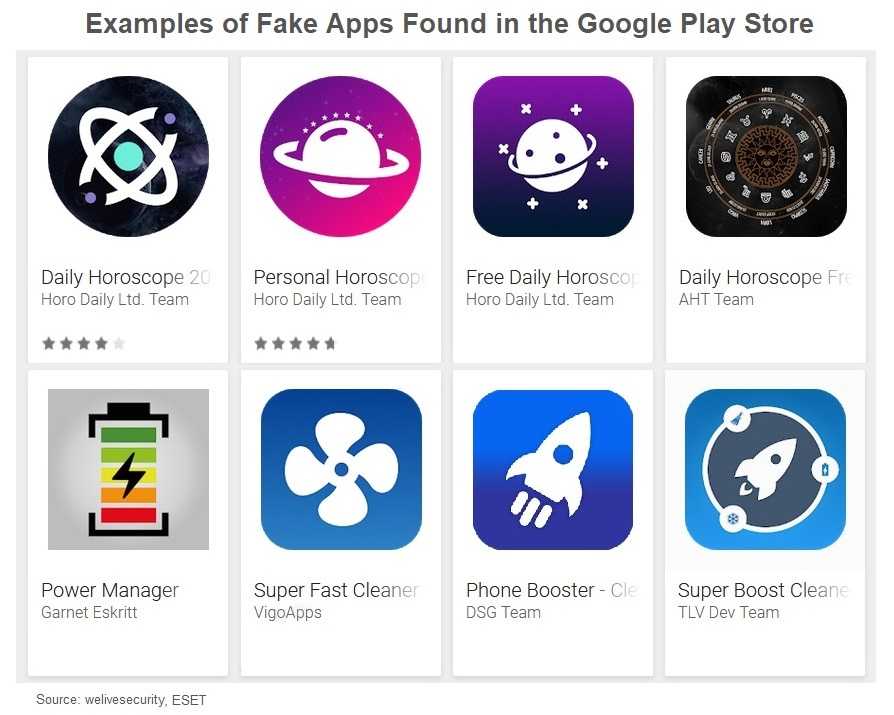
Keeping us safe from these Trojan apps may be the responsibility of Google Play Store, but we know that plenty of them get past detection. Once again, it’s up to users to put their cyber-smarts to work and use caution downloading all mobile apps. Once these banking Trojans are installed, an error message appears saying they have been removed due to incompatibility. In reality, the apps are already at work stealing your banking data. One big step toward security is reading app reviews before installing them. If all the reviews just light up the sky, there may be a problem with the app. After all, there is always some constructive feedback for the developers. If you don’t see any, that’s a clue you may want to skip the download.
The safest bet is still downloading directly from Google Play, never sideload an app from an unknown source or a third party site. The couple of dollars you may save puts you at an even greater risk than Google Play apps. Check your Apps or Application Manager for odd or suspicious apps and remove them immediately. Be sure to clear the app’s data cache and clear its data before clicking the “uninstall” button. For apps that are stubborn to remove, you may have to entirely wipe your data with a factory reset (which is a reminder that you should be backing up your devices to make this process easier). Although Google Play Store has our best interests in mind and usually does a good job of finding these, it’s still up to users and their cyber-smarts to catch a harmful app making it through Google’s detection efforts.
For banks and credit unions
Share this article with your members
Copy a ready-made summary and link for your newsletter, website or social posts.