

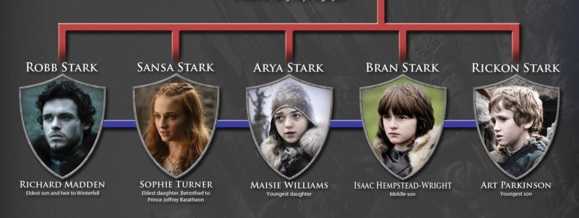
Spoiler alert! If you haven't seen the early seasons of Game of Thrones, you may want to skip to the next paragraph. This recent event shows that family alliances are not just for the likes of the Arryns and Starks. Family alliances can happen in the cyber underworld too. Seen lately are a couple of malware families making such a partnership and wreaking havoc around the world. In this case, it is family Nemucod and Kovter joining forces by first downloading a malicious .zip file and then executing ransomware, respectively.
 Malware families are groups of malware sorted by what they do. Those taking advantage of vulnerabilities, for example, are one family. These include Confiker members. Another is one that executes ransomware, such as Cryptowall. Others include Necurs, which download other malware onto a computer and the infamous Zeus family which uses drive-by downloads or spam campaigns. There are others, but these are a few and there are other family names that use similar tactics.
In this case, NemucodAES, a downloader, pairs up with Kovter ransomware. First a .zip archive is downloaded containing malicious files and then ransomware is released to hold files on the computer for ransom.
Ransomware is big business these days. It can cost individuals or organizations of all types significant pain, and if ransom is paid, sometimes it can cost of lot of moola too. The cost to restore systems is another high price if ransomware makes its way onto a computer or network, as seen recently with WannaCry and NotPetya.
 Often, malware is released when someone opens an attachment or clicks a link in email. That is why it's so important to be 100% sure before clicking on these; particularly when the sender is unknown and/or if they are not expected.
However, should ransomware make it onto your system, don't pay the ransom. This only encourages more behavior like this from these cybercriminals. Instead, make regular backups of all important files and store them separately and where they cannot be accessed from a network in case something else manages to worm its way through it. This will allow them to be quickly restored if necessary. External hard drives are great for this and are relatively inexpensive and easy to use these days.
So, while you are watching this season's latest alliances take place on GOT, why not do your backups at the same time. Also make sure your devices are updated with the latest patches and versions and that all anti-malware products are up-to-date. This way, when the next malware alliance takes place, you are prepared to defeat it.
For banks and credit unions
Share this article with your members
Copy a ready-made summary and link for your newsletter, website or social posts.




