

Sometimes you may wonder if one web browser is better than another. Over the years, Microsoft’s Internet Explorer was riddled with vulnerabilities making it the last choice for most. However, in a recent test by information security testing company NSS Labs, the new Microsoft Edge browser, version 38 proved to be a winner in a few areas over Chrome and Firefox. Even if one is better than others in one area, it doesn’t mean it doesn’t have flaws. It also doesn’t mean you are off the hook with regard to paying attention and spotting potential phishing and browser attacks.
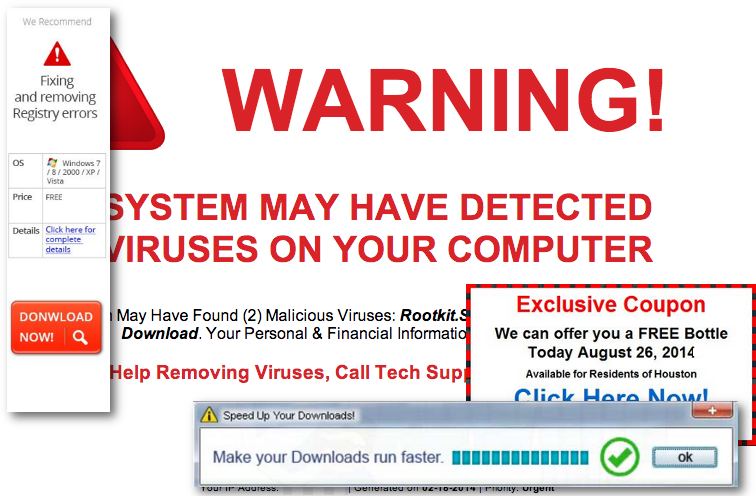 The test results from NSS Labs found that Chrome was able to outperform both Firefox and Chrome with regard to socially engineered malware (SEM) samples. These included malicious links and popups. Edge caught them 98% of the time, while Firefox and Chrome only 70% and 88% respectively. NSS Labs described SEM as “a dynamic combination of social media, hijacked email accounts, false notifications of computer problems, and other deceptions to encourage users to download malware.”
When it came to malicious URLs, Edge also beat Firefox and Chrome with 92%, 61% and 75% respectively.
“Zero hour” protection was also reviewed and Edge again landed on top. This is the time it takes for the browser to block new threats once they were introduced into the testing process.
 While these results show how browser developers are attempting to help protect users from cyberthreats, they are not flawless. It’s still important to pay attention when browsing. Attacks still make it past these filters, just as they make it past email spam and phishing filters. Phishing remains the number one way malware ends up on a device or network. Watch for unexpected links or attachments and verify the validity of them before clicking. Call up the sender and ask. Don’t reply to the message.
 When it comes to browsing, use bookmarks for sites you visit frequently. This will prevent accidental typos in the address bar and you potentially making it to a site that automatically downloads malicious content to your device. When hackers put up websites that have names very similar to actual and popular ones, it is referred to as “typosquatting” or “domain jacking.” For example, substituting a “y” where a “t” is in the real site, because those two keys are right next to each other on the keyboard.
If you do type addresses manually, be very careful and take a second to review it to ensure it’s the right one before hitting the return key.
No matter how many tools are in place to help prevent cyberattacks, they won’t catch everything. So always take a few extra seconds to review what you’re clicking.
For banks and credit unions
Share this article with your members
Copy a ready-made summary and link for your newsletter, website or social posts.




