

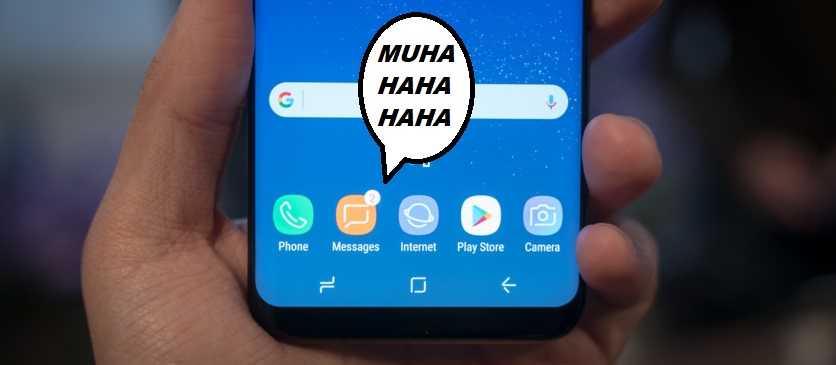
Now here’s an interesting little “feature” in a popular mobile product. It could result in something embarrassing happening or sensitive information getting into an unintended recipient’s hands. Users on Reddit reported an issue with the Samsung Messages texting app that is pre-installed on  Samsung phones. It appears to choose random photos from the device’s memory and send them to the users’ contacts.
The messaging app was recently updated and that is when the users started seeing the problem. There was no indication that a photo was sent at all and the only way the sender was alerted was when the recipient asked why a random photo was sent. In some cases emojis were sent and in other cases, images from other locations on the phone’s storage.
While sending a photo to someone may be somewhat harmless for some, it’s a good reminder to delete those screenshots that may include sensitive information. Sometimes it’s not unreasonable to save some important information for a while as a reminder. But don’t leave it there forever. When you’re done with it, trash it completely. Remember that photos get saved to backups too, so if you have saved one of those screenshots in a cloud backup for instance, delete it from there.
 The issue seems to be limited to the Galaxy series at this time; specifically the S9, S9 Plus, and Note 8 and it isn’t limited to one cellular carrier. For now, the recommended action is something that isn’t often recommended. Don’t updated to the latest messaging app until Samsung has an opportunity to fix it.
You do have a couple of options however, if you already have updated:
- Disable Samsung’s Texting app completely and use another one. If you don’t already have another one (and there are many from which to choose), you can get them from the official app store. Beware of sideloading -- or pulling them from third-party sources. There is a higher risk of getting malware that way.
- Consider disabling the texting app’s ability pull from the device’s storage. You can do this in Settings > Apps > Samsung Messages > Permissions > Storage menu (process may vary depending on the model).
The version that seems to be at issue here is Samsung Messages Version 5.0.21.18. Samsung is aware of this issue and has stated that with investigation, it doesn’t seem to be a hardware or software problem. It contends that perhaps it is limited to a recent mobile carrier update. However, they are continuing to do research on it.
For banks and credit unions
Share this article with your members
Copy a ready-made summary and link for your newsletter, website or social posts.




